
Help / Getting started
Signing in
How to sign in. You get a one-time code by email each time, no password needed.
Signing in takes no password. Each time you sign in, a fresh 6-digit code is emailed to you.
Click Sign in. Go to the Artègo Pro home page and click the gold Sign in button at the top right. On a phone, open the menu first: the button is at the bottom.
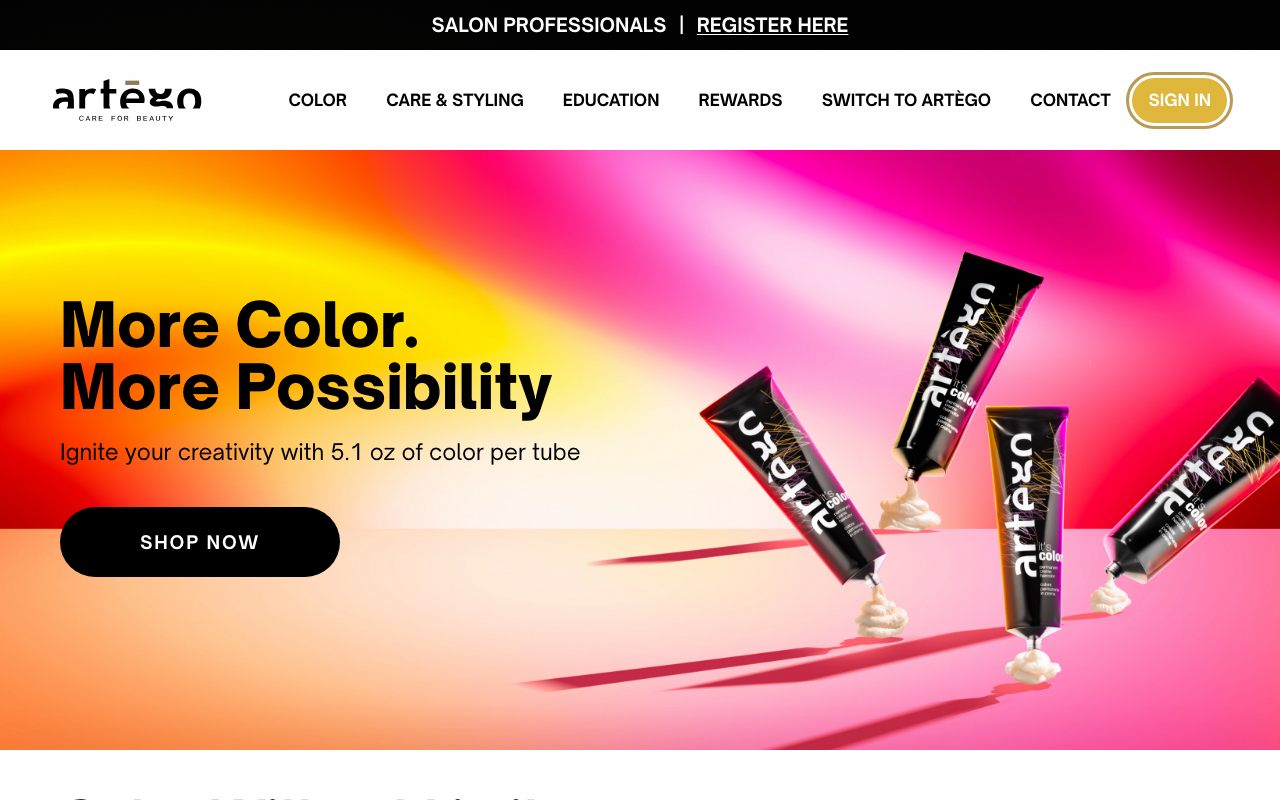
home page with the gold Sign in button in the header Open the secure sign-in page. On the Welcome back page, click the gold Sign in button. Our secure sign-in page opens.
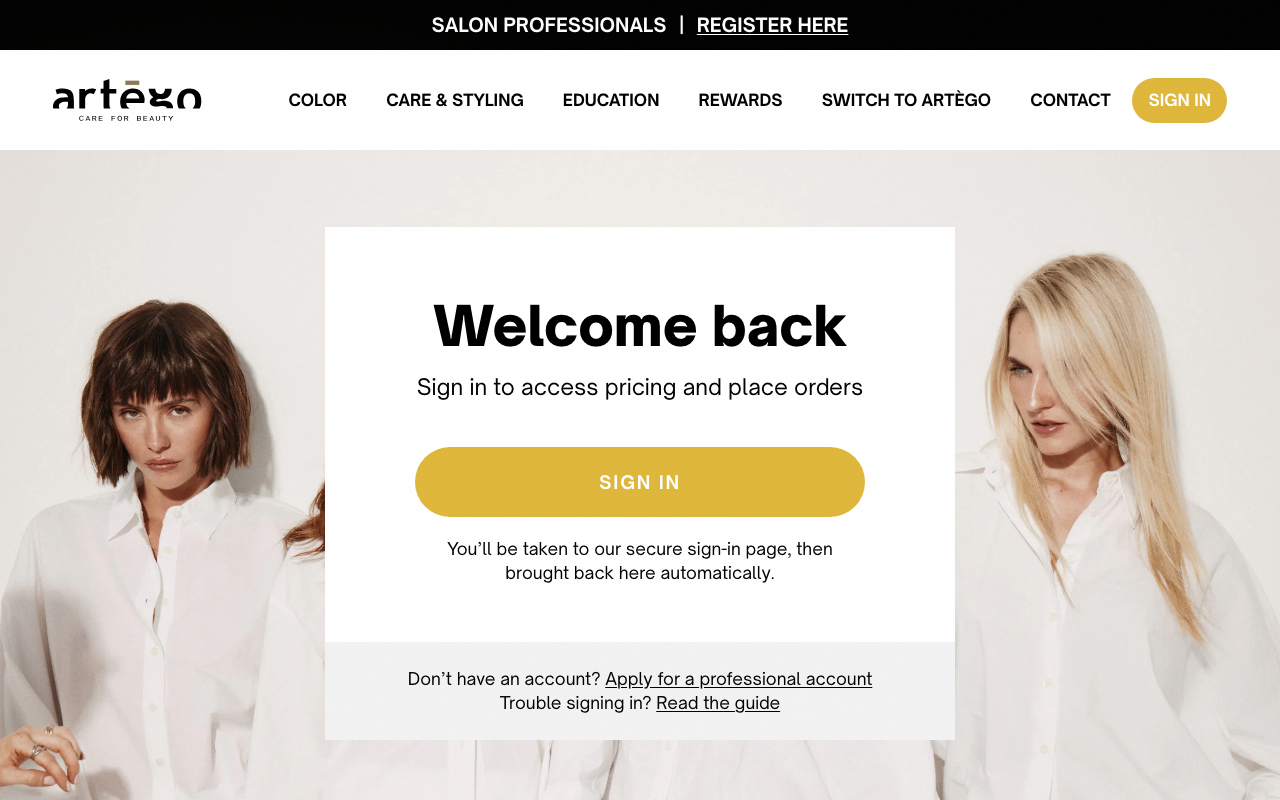
Artègo Pro Welcome back page with the Sign in button Enter your email. Type the email your salon account is under and continue. A 6-digit code is emailed to that address within a few seconds. [Screenshot: secure sign-in page, email entry]
Type the code. Open the sign-in email, copy the 6-digit code and paste it on the sign-in screen. The code is good for a few minutes; if it expires, ask for a fresh one. [Screenshot: secure sign-in page, code entry]
You're in. Once the code is accepted, you land back on Artègo Pro, on your dashboard. You stay signed in on the same device for 30 days.
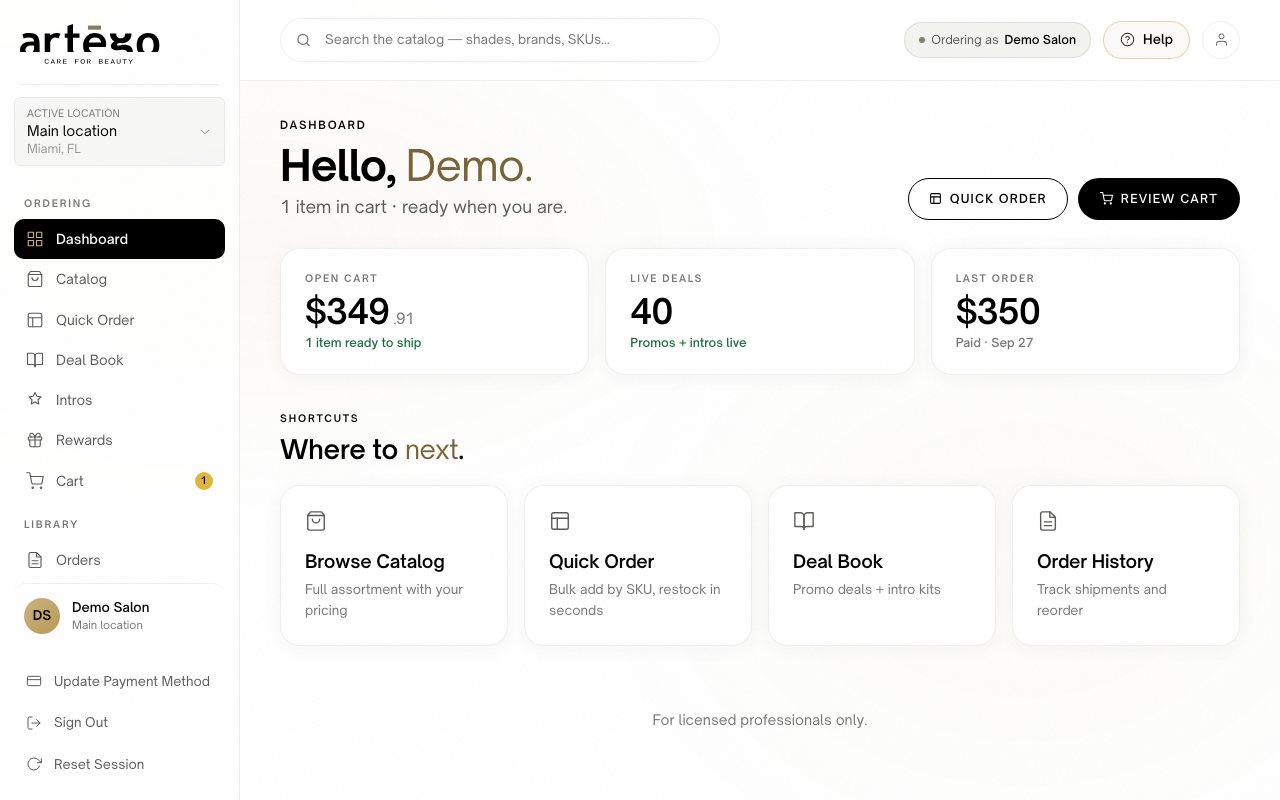
dashboard home view immediately after sign in Didn't get the code? Check your spam or junk folder for the sign-in email. If it's still missing after a few minutes, ask for a new code on the code entry screen. [Screenshot: code entry screen with the resend code link]
Tip: Each teammate signs in with their own email and gets their own code. To give a teammate access, see "Managing your team".
Still stuck? If Artègo Pro says your account isn't linked to an approved professional account yet, you may have used a different email from the one your salon account is under. Click Sign in again: the sign-in page asks for your email once more, so you can enter the right one. If it is the right email, your application may still be under review. Email info@artegousa.com or contact your sales rep and we'll sort it out.
Need more help? Email us.